
The Best HR System for Small Businesses and Why
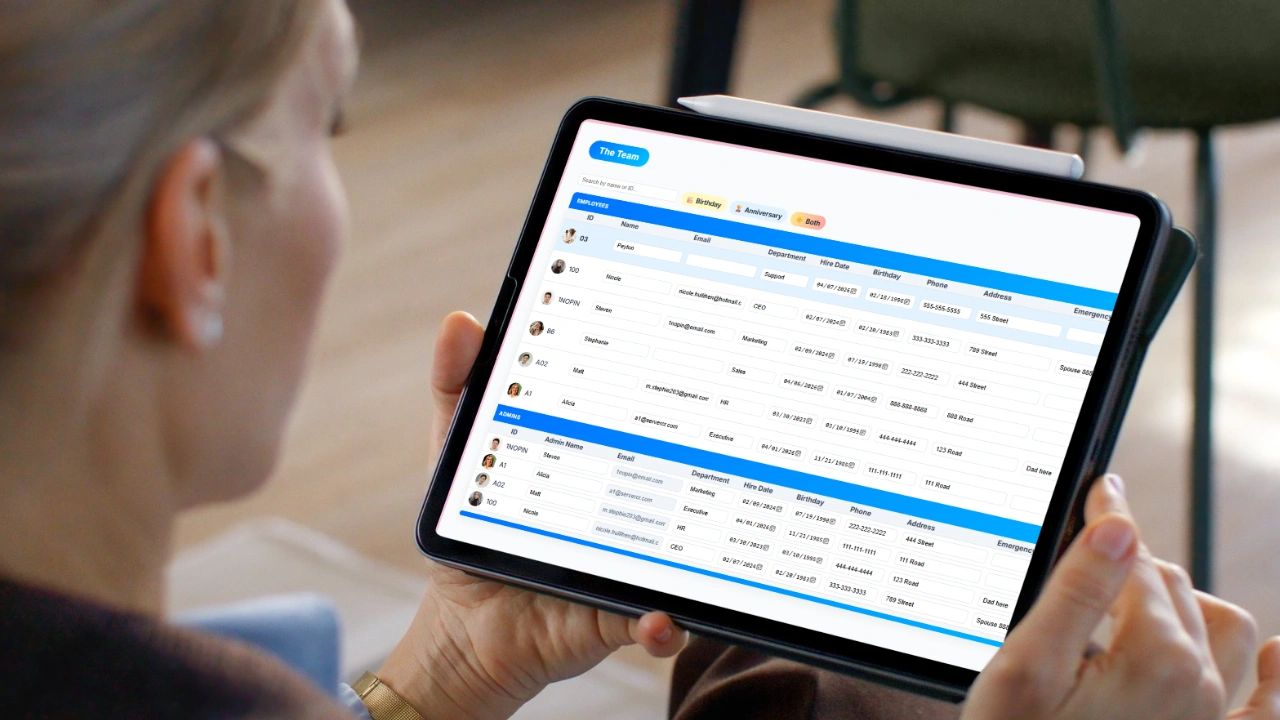
Learn what you need in an HR system for small business. Running a small business without a solid HR system is where things quietly fall apart. Hiring becomes inconsistent. Employee data gets scattered. Payroll errors creep in. Compliance risks grow without you even realizing it.
At some point, spreadsheets and manual processes stop working. That’s when you need an HR system not as a “nice to have,” but as infrastructure.
This guide breaks down exactly what to look for, what to avoid, and what a real HR system should do for your business.
What Is an HR System (and Why It Matters)?
An HR system is software that centralizes your people operations. It manages employee data, hiring, onboarding, time tracking, performance, and compliance in one place
For a small business, the goal isn’t complexity. It’s control and clarity.
Without a system:
- Employee information lives in emails, spreadsheets, and documents
- Processes are inconsistent
- Decisions are based on guesswork
With a system:
- Everything is organized and accessible
- Processes are standardized
- You can actually manage and grow a team effectively
What to Look for in an HR System
Most tools oversell features and underdeliver usability. Focus on what actually moves your business forward.
1. Centralized Employee Records
You need one place for:
- Employee details (contact, role, pay structure)
- Documents (contracts, tax forms, certifications)
- History (promotions, reviews, changes)
If you’re still digging through folders or email threads, you don’t have a system—you have chaos.
2. Time Tracking and Attendance
This is critical for both hourly and salaried teams.
Look for:
- Easy clock in and out (desktop, mobile, or kiosk)
- Job, project, or location tracking
- Overtime calculation
- PTO tracking and approvals
If time tracking isn’t built in, you’ll end up stitching tools together—and that’s where errors happen.
3. Payroll-Ready Reporting
Even if you don’t run payroll inside the system, it should:
- Calculate total hours worked
- Separate regular and overtime hours
- Export clean reports
Manual payroll calculations are one of the fastest ways to lose time and trust.
4. Hiring and Onboarding Tools
A strong HR system should help you:
- Post jobs or track candidates
- Store resumes and notes
- Create structured onboarding checklists
This ensures every new hire gets the same experience—and you don’t forget critical steps.
5. Performance and Goal Tracking
Small businesses often skip this—and it shows.
Look for:
- Goal setting and tracking
- Performance reviews
- Feedback and notes
Without this, your team drifts. With it, you build alignment and accountability.
6. Scheduling and Workforce Planning
If you manage shifts or project-based work, you need:
- Shift scheduling
- Project-based scheduling
- Visibility into who is working and when
This directly impacts productivity and labor costs.
7. Compliance and Record Keeping
Even small businesses are responsible for:
- Labor law compliance
- Record retention
- Accurate employee classification
Your HR system should make this easier—not harder.
What an HR System Should Actually Do
Let’s simplify it. A real HR system should:
- Save you time by eliminating manual processes
- Reduce errors in payroll, scheduling, and records
- Improve visibility into your team and operations
- Create consistency across hiring, onboarding, and management
- Scale with your business as you grow
If it’s not doing these things, it’s not worth paying for.
Common Pitfalls to Avoid
This is where most small businesses get it wrong.
1. Choosing Based on Features Instead of Usability
A tool can have 100 features and still slow you down.
If it’s not simple and intuitive, your team won’t use it.
2. Using Too Many Separate Tools
Time tracking in one system. Payroll in another. HR records somewhere else.
This creates:
- Data inconsistencies
- Manual work
- Reporting headaches
You want consolidation, not fragmentation.
3. Ignoring Integration with Operations
HR doesn’t exist in a vacuum.
If your HR system isn’t connected to:
- Projects
- Time tracking
- Billing or payroll
You’re missing the bigger picture.
4. Not Setting Clear Processes
Even the best software won’t fix poor processes.
Before implementing a system, define:
- How you hire
- How you onboard
- How you track time
- How you manage performance
Then use the system to enforce it.
5. Waiting Too Long to Implement One
This is a big mistake.
The longer you wait:
- The more data you have to clean up
- The harder it is to standardize processes
- The more inefficiencies pile up
Start earlier than you think.
When to Upgrade from Spreadsheets
If any of these sound familiar, it’s time:
- You have more than 5–10 employees
- You’re tracking time manually or inconsistently
- Payroll takes too long or has errors
- You can’t quickly see who is working or what they’re doing
- Hiring and onboarding feel disorganized
At that point, spreadsheets are costing you more than they’re saving.
Final Thoughts: Build the System Before You Need It
Most businesses react too late. They wait until things break, then scramble to fix them.
A strong HR system gives you:
- Structure
- Visibility
- Control
And that’s what allows you to scale without chaos.
Frequently Asked Questions
What is an HR system and why does a small business need one? An HR system is software that centralizes your people operations including employee data, hiring, onboarding, time tracking, performance, and compliance in one place. Without one, employee information gets scattered across emails and spreadsheets, processes become inconsistent, and decisions get made on guesswork.
What features should a small business HR system include? The core features are centralized employee records, time tracking and attendance with PTO management, payroll-ready reporting, hiring and onboarding tools, performance and goal tracking, scheduling and workforce planning, and compliance and record keeping. If a system is missing any of these you will end up stitching together separate tools and that is where errors happen.
When should a small business move from spreadsheets to an HR system? The clearest signals are having more than five to ten employees, tracking time manually or inconsistently, payroll taking too long or producing errors, inability to quickly see who is working and what they are doing, and hiring and onboarding feeling disorganized. At that point spreadsheets are costing more time than they are saving.
What are the most common HR system mistakes small businesses make? The most common mistakes are choosing based on features instead of usability so the team never actually uses the tool, running too many separate systems that create data inconsistencies and manual work, picking an HR system that is not connected to time tracking or payroll, and waiting too long to implement one until the data and process cleanup becomes a major project.
What should a good HR system actually accomplish for a small business? It should save time by eliminating manual processes, reduce errors in payroll and scheduling, improve visibility into team performance and operations, create consistency across hiring and onboarding, and scale with the business as it grows. If it is not doing those things it is not worth paying for.
Does an HR system need to connect to other business tools? Yes. HR does not exist in a vacuum. If your HR system is not connected to time tracking, project management, and payroll reporting you are missing the bigger picture and creating manual handoffs between systems that introduce errors and waste time.
Where Updoot Fits In
If you’re looking for an all-in-one approach, this is where Updoot stands out above all other HR systems. Instead of piecing together multiple tools, Updoot connects:
- Employee time tracking (mobile, desktop, and kiosk)
- PTO and scheduling
- Payroll-ready reports
- Project tracking and job-based time allocation
- HR records and team visibility
The advantage isn’t just features it’s that everything works together. So instead of managing systems, you’re managing your business. And that’s the whole point.
Learn more about apps for business
Vacation Scheduling Software: How to Find the Best
Every Small Business App You Need in a List
AI-Powered Software for Running a Small Business
Workday HRIS vs Updoot HRIS Easy Comparison Chart
Best App for Sales Performance Tracking: A Quick Comparison Chart
Best CRM for SaaS: What You Need to Look For
Homebase Scheduling vs. Updoot Scheduling
ClockShark Pricing vs. Updoot Pricing: Let's Talk Value
Shift Swap Software for Restaurants, Construction, Retail, More